A quiet default
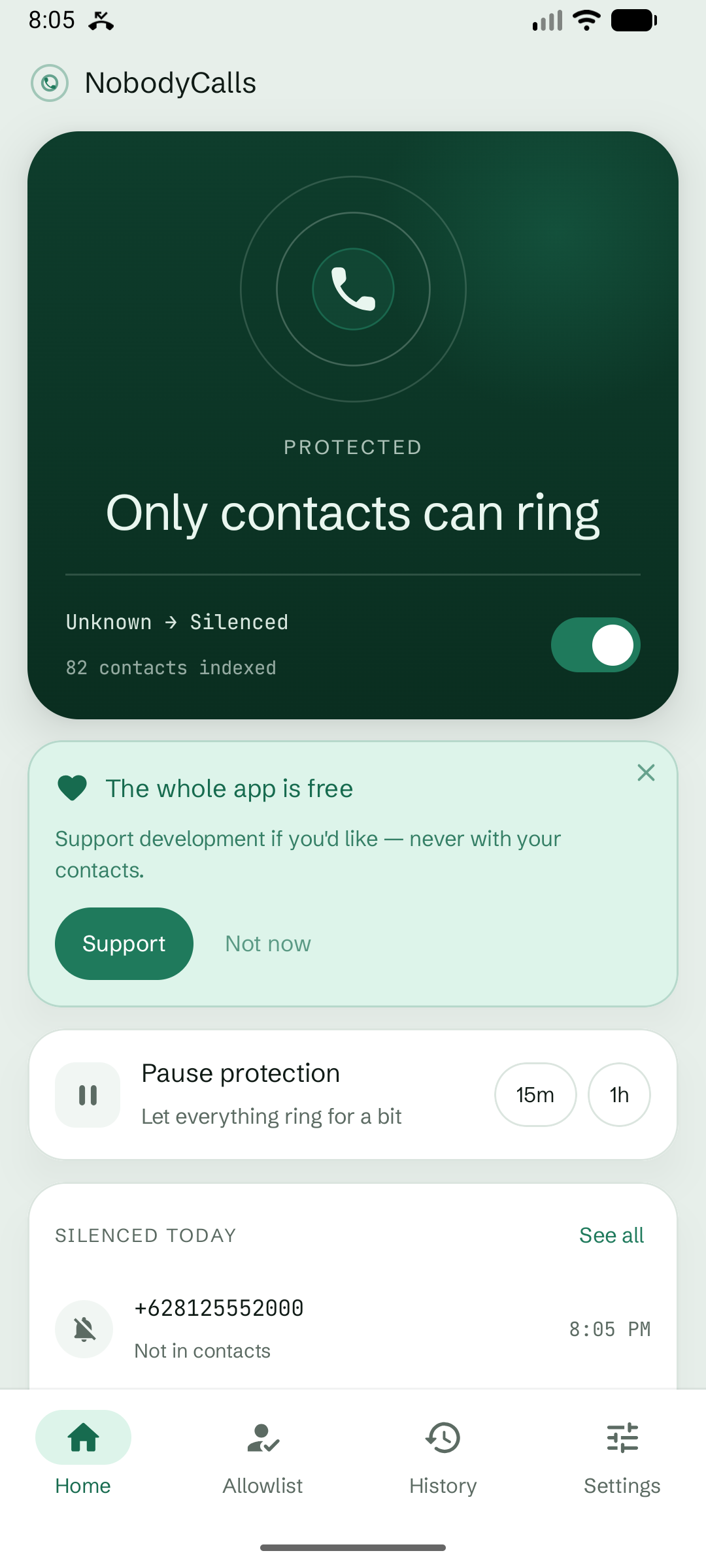
Unknown calls stay quiet
Contacts ring as usual. Numbers that are not in your contacts are silenced by default, or rejected if you choose.
 NobodyCallsGet the app
NobodyCalls keeps unknown numbers quiet without uploading your contacts or turning your phonebook into a caller-ID network.

Built for a quieter phone, not a bigger data network.
Setup takes a minute. NobodyCalls does the rest locally, before an unknown call needs your attention.
Android asks you to select NobodyCalls as your call-screening app.
Incoming numbers are checked against contacts and your allowlist on this phone.
Contacts ring. Unknown numbers are silenced by default, with reject as an option.
NobodyCalls needs your contacts for one reason: to recognize who you know. The comparison and screening history stay on your device.
Read the full privacy policy →No caller-ID network
No analytics or ad SDK
No SMS or call-log access
See what NobodyCalls handled, add trusted exceptions, or pause protection whenever real life needs a little flexibility.
Contacts ring as usual. Numbers that are not in your contacts are silenced by default, or rejected if you choose.
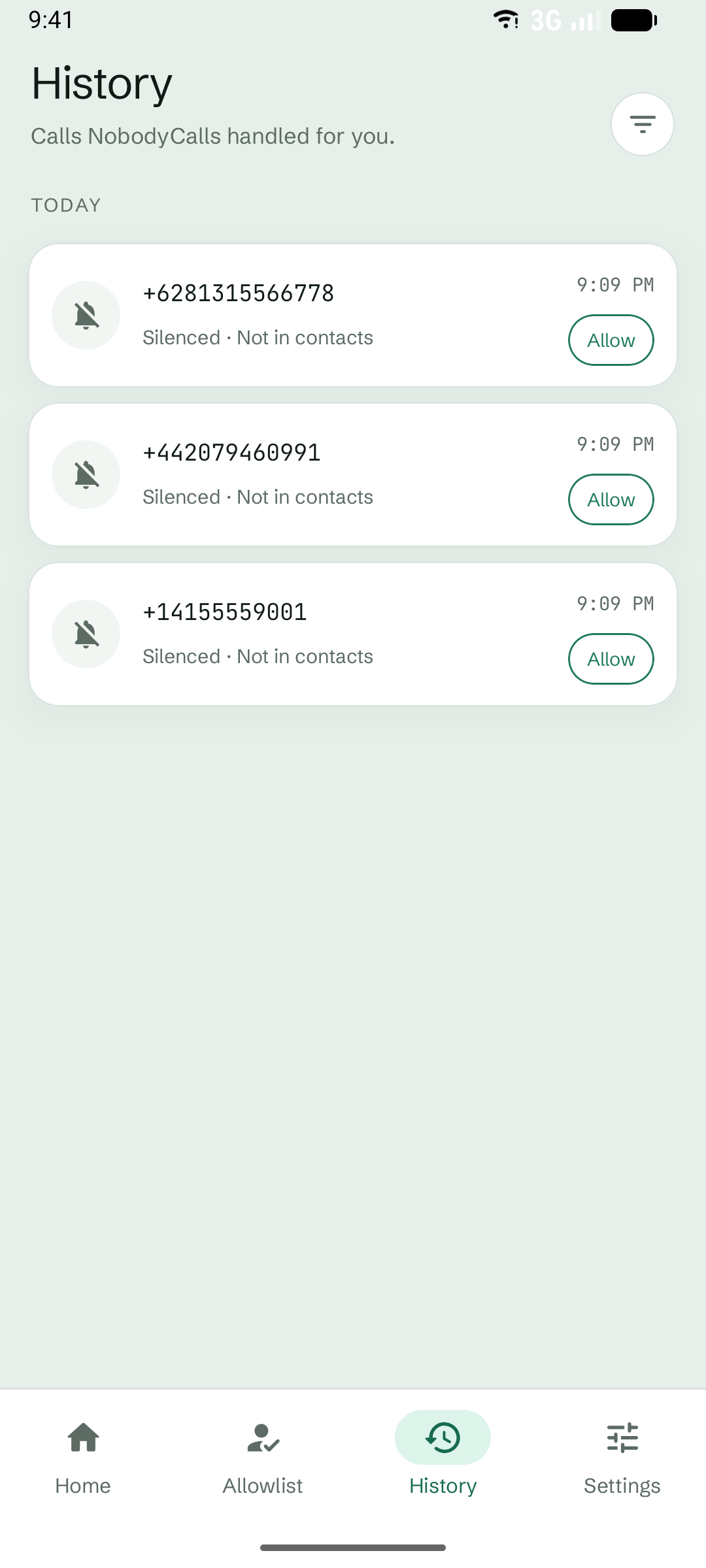
A local history shows every decision NobodyCalls made. Allow a number from history when you recognize it.
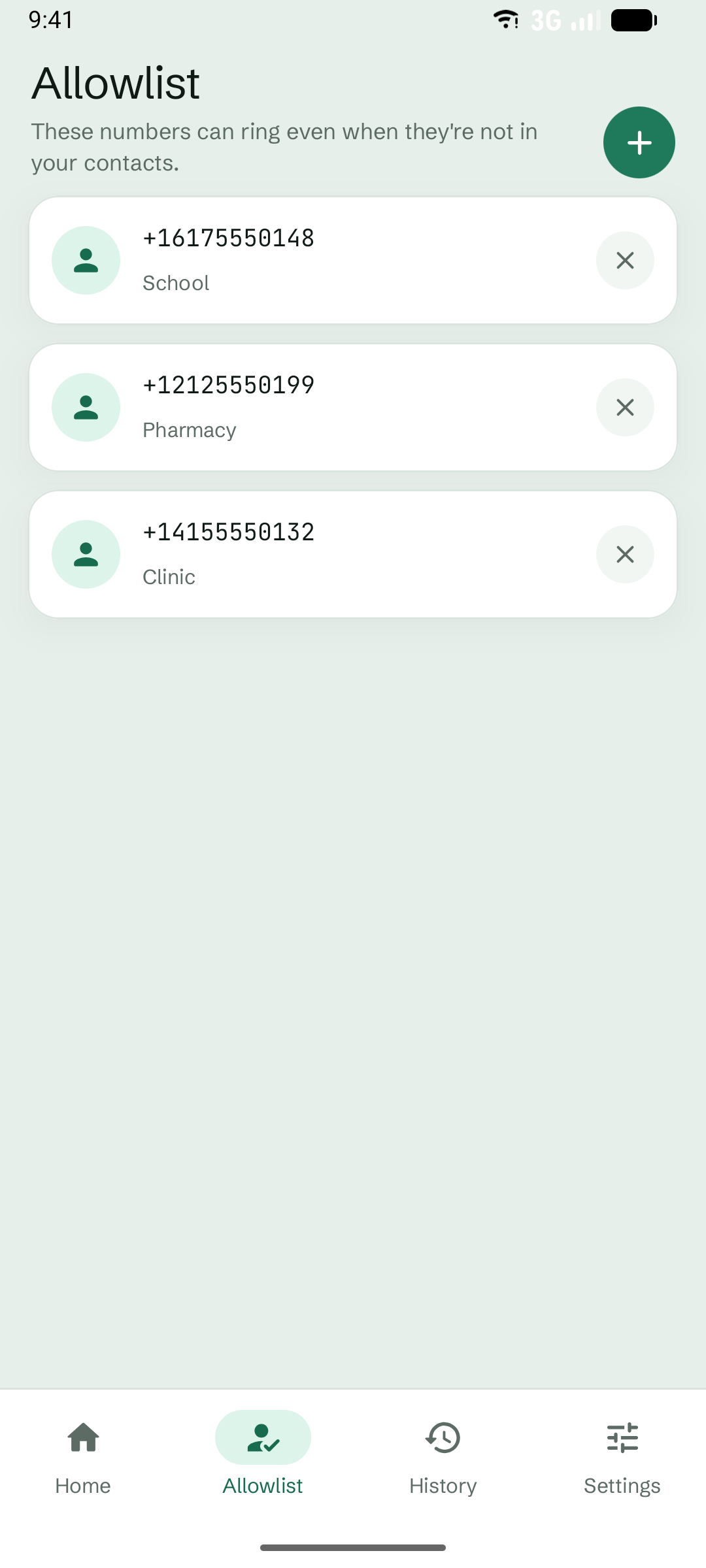
Add a number to your allowlist, including a wildcard suffix for organizations that call from several lines.
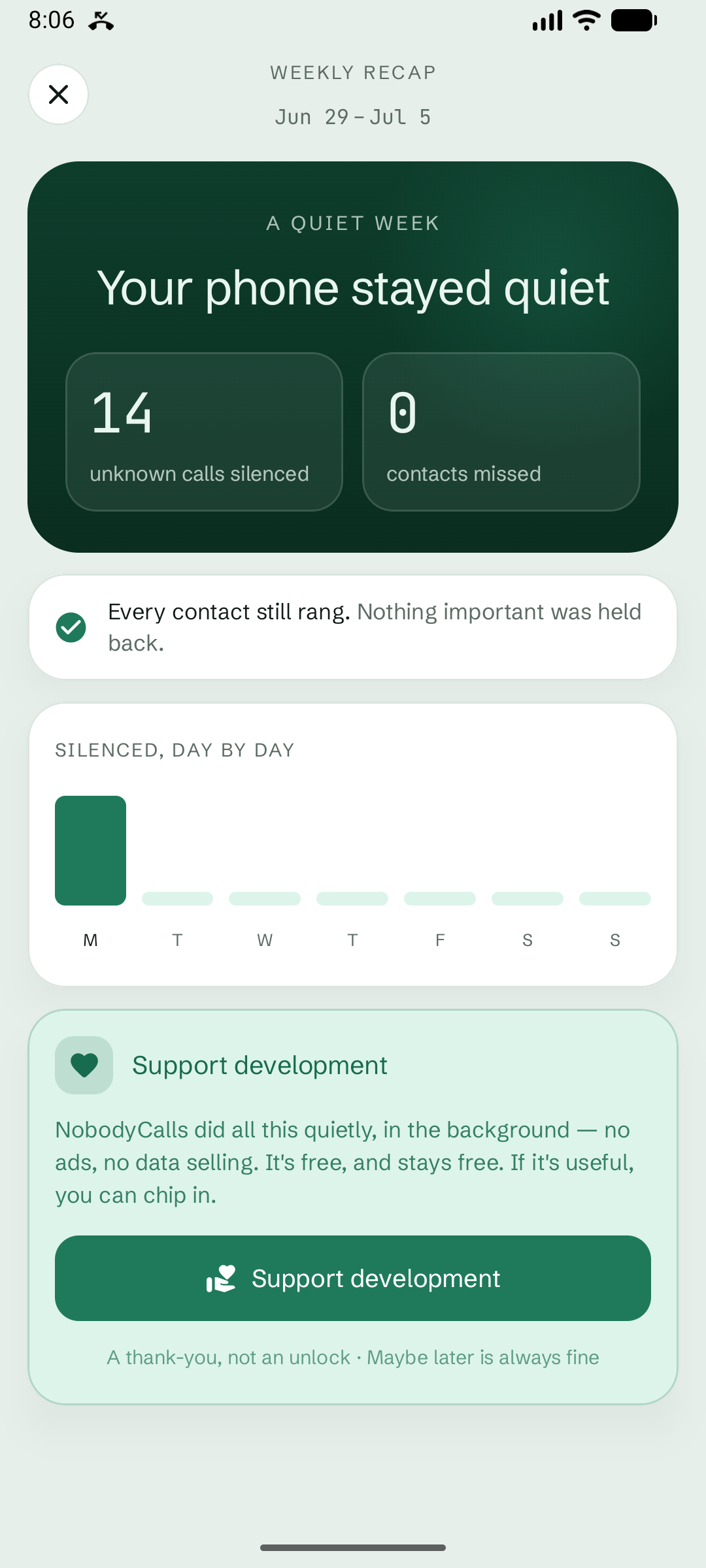
One calm notification shows how many unknown calls did not ring. No cloud dashboard. No habit of checking another app.
NobodyCalls does not identify spam and cannot promise to screen every hidden number. Android may withhold some caller information, and behavior can vary across devices, dialers, carriers, and Android versions. When the information needed to decide is missing, NobodyCalls lets the call through.
It compares an incoming number with the contacts stored on your phone. This check happens locally. Your contacts are not uploaded or used to build a caller-ID database.
No. NobodyCalls does not label callers or use a spam database. It applies one clear rule: contacts and allowlisted numbers can ring; other available numbers stay quiet.
Pause protection for a while or add the number to your allowlist. The default action is silence rather than hard rejection, so you retain a recovery path through your dialer and local history.
Not always. Android may not provide a usable number for some hidden or unavailable calls. NobodyCalls fails open when information is missing, and exact behavior can vary by device, dialer, carrier, and Android version.
Every functional feature is free. If NobodyCalls helps, you can make an optional one-time contribution in the app. Supporting development only adds a cosmetic thank-you badge.
A quieter Android phoneEvery feature is free. Support development if it helps you—never with your contacts.
Get it onGoogle Play